
From Product Photo to Product Page: Keep Your E-commerce Brand Consistent

A product story can come apart in a single click: the image shows one finish, the selector names another and the description seems to belong to a different pack. Treat this as a possible release error, not a creative detail. The customer is trying to establish what will arrive, while the brand is presenting competing answers.
E-commerce consistency means the image, selected variant, packaging information and page description refer to the same actual offer. Build a controlled content source and approve the product journey, not just the photograph. A coherent visual system helps, but it cannot repair inaccurate item information.
Write a photography brief around the buying questions
Begin with the product’s identifying features and the information a buyer needs to understand them. Which view shows the shape? Which detail explains a finish or closure? What establishes scale without suggesting that an unrelated accessory is included? Give each proposed image a job before discussing styling.
Separate the clear primary product view from explanatory details and lifestyle material. They can share a visual language without doing the same work. A context image may communicate use, but should not make the included contents ambiguous.
Agree background, lighting, camera position and colour-handling expectations across the range. Do not mistake consistency for identical treatment regardless of the object: transparent material, reflective surfaces and small details may need different production decisions to remain truthful and useful.
Brief a coordinated product-content design system with the actual range and publishing channels in view. A beautiful sample image is not enough if the system cannot handle the rest of the catalogue accurately.
| View | Question it answers | Approval check |
|---|---|---|
| Primary | Which item is being sold? | Correct product and selected variant |
| Detail | What feature needs explanation? | Truthful finish, component or function |
| Context | How might the product be used? | No ambiguity about included items |
| Packaging | What pack or contents will arrive? | Matches the actual offer and current pack |
Connect the image library to variant and packaging records
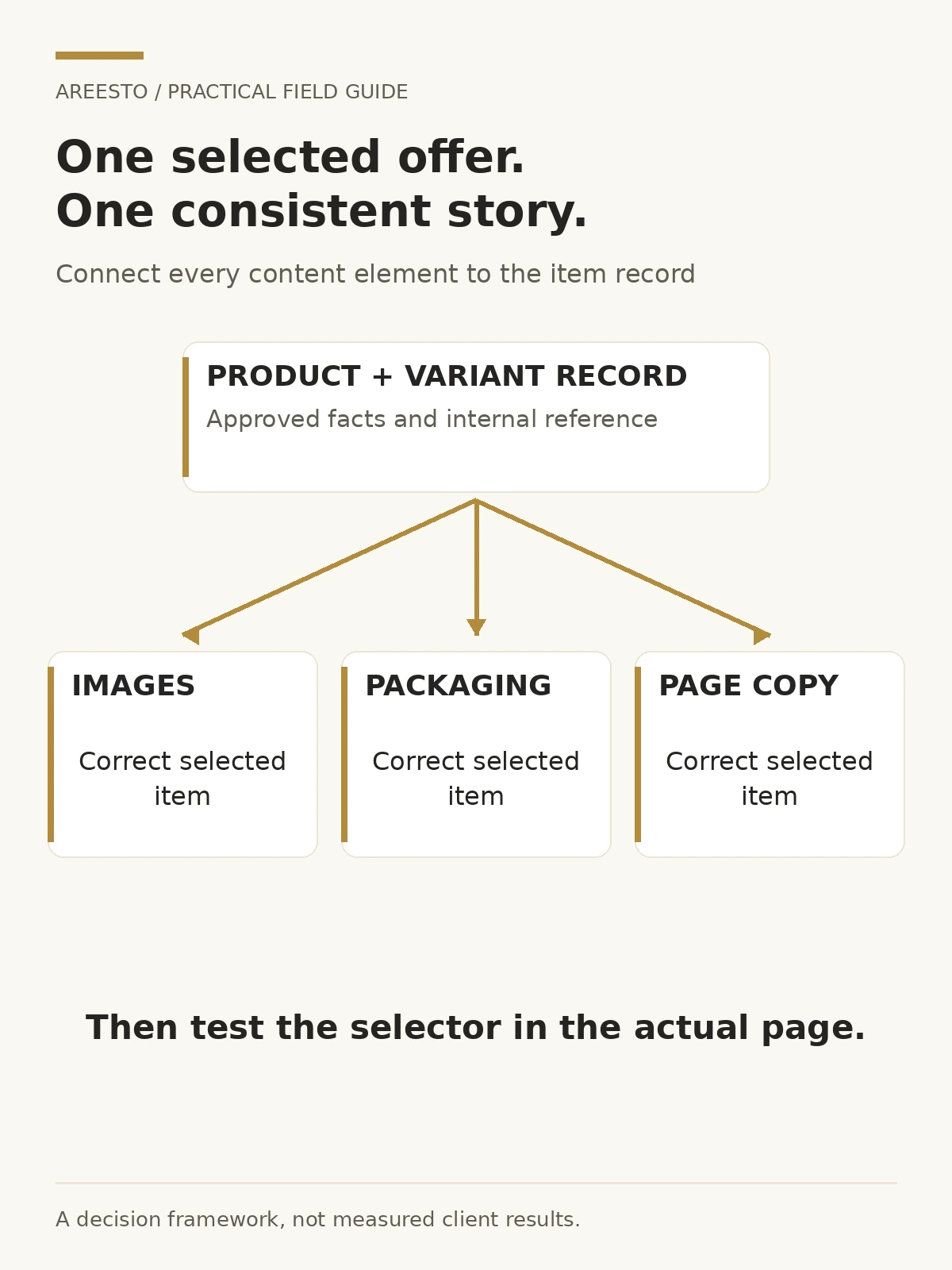
Give each product and meaningful variant a stable internal reference. Use it to connect approved images, descriptions and packaging details. File names alone are an unreliable substitute if the team cannot distinguish the current master from an old retouch or a different option.
Maintain the facts that matter to selection: variant name, material or finish where relevant, included contents, suitable specification and current pack information. Assign a responsible product owner to confirm these details. The photographer or page designer should not fill missing specifications by interpreting an image.
Check that the variant selector changes the appropriate image and text. Do not let a generic gallery imply that every colour, size or configuration is included. A combined image can be helpful for comparison in an appropriate context, but the selected offer must remain clear.
Packaging changes deserve a deliberate decision. If an older image remains in use, determine whether it still describes the offered product accurately and whether clarification is needed. Do not assume a footnote can correct an image that shows different contents or important missing information.
Adapt the page for language and channel without changing the facts
Use approved terminology across English and Arabic editions. Product names may retain a brand term while descriptions need natural language adaptation. Keep material, contents and limitations consistent, and review the actual page rather than approving translation in a separate document alone.
Plan the information hierarchy for the screen. The product identity, variant, important selection information and next action should be easy to distinguish. Supporting brand narrative should not conceal the details needed to choose the item correctly.
Different channels can impose different image rules. Google Merchant Center’s primary-image guidance, for example, addresses showing the actual product and accurate variant imagery, alongside channel-specific restrictions. Check the current requirements for each destination; do not assume a web-store hero graphic is automatically suitable for a product feed or marketplace listing.
This is not a universal platform-permission guide. Requirements can change, and the intended destination must be checked at release. Keep channel adaptations connected to the same approved item record so compliance work does not accidentally create a different product story.

Approve accurate imagery and accessible explanations
Retouching should not quietly change what is being sold. Agree how colour, finish, shape and included components are checked against the actual product. Do not use a generated product representation as supposed evidence of a real item’s appearance or performance.
The conceptual art accompanying this article illustrates a workflow; it is not a catalogue image of a purchasable product. For actual sales material, assess the evidence and the destination’s current requirements before using synthetic or heavily altered visuals.
Supply useful alternative text for informative images. W3C’s informative-image guidance explains that the alternative should convey the relevant meaning, not merely describe every visual detail. A product feature that matters to selection should also be explained in readable page content, not left available only inside an image.
Review the gallery and page together on a narrow screen. Can a buyer identify the selected item, understand the relevant options and reach a more detailed view? Compression should not make an important label or finish impossible to inspect. Balance useful visual detail with a practical web delivery format.
Keep an approval record showing which source item was checked against which page edition. When a disagreement appears later, that record helps the team trace the release rather than guessing whether the error began in the catalogue, the image library or the page template.
Create a release checklist across store and marketplace
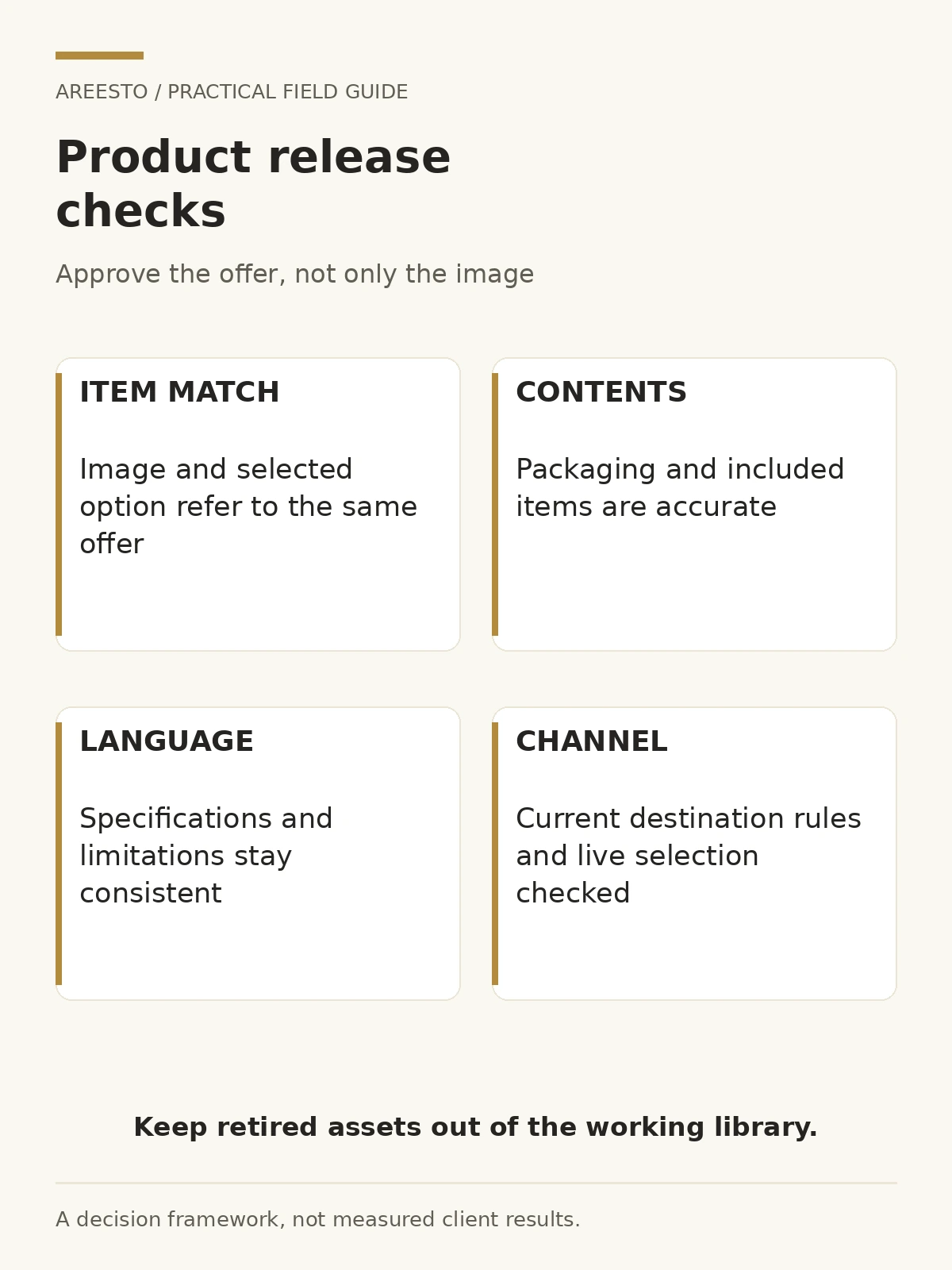
Use a paired review: one person checks the product facts and another checks the implemented presentation. Follow the live staging selector through relevant options rather than approving a static screenshot. Confirm the image, description and selection remain aligned after the choice changes.
Record the approved source, channel edition and release owner. If the product changes, the team should know which pages, feeds and files depend on it. Keep retired images out of the working library so the next content update does not restore an obsolete version.
Review customer questions as evidence of possible ambiguity. Distinguish a content issue from an operational one: an incorrect variant label needs a different remedy from a fulfilment error. Do not assume a visual redesign will fix both or promise a particular return-rate improvement.
A useful first task is to choose a representative product and trace it from source record to image, packaging and final page. Record the disagreements, then discuss product-page and visual-content design support around the system that needs repair, not merely a new look.
Frequently asked questions
Does consistent product imagery mean every image should look identical?
No. Keep a coherent visual language while allowing the views needed to explain different products accurately.
Can one image represent every variant?
Do not assume so. The selected option must be clear and accurate, and each channel’s current requirements may call for variant-specific imagery.
Is a marketplace image always suitable for our own website?
It may be useful, but the information job and layout can differ. Adapt presentation without changing the product facts or ignoring channel requirements.
Who should approve product descriptions and pictures?
A responsible product owner should confirm the facts, while the production or design owner checks the implemented images and selection behaviour. Keep the two reviews connected.